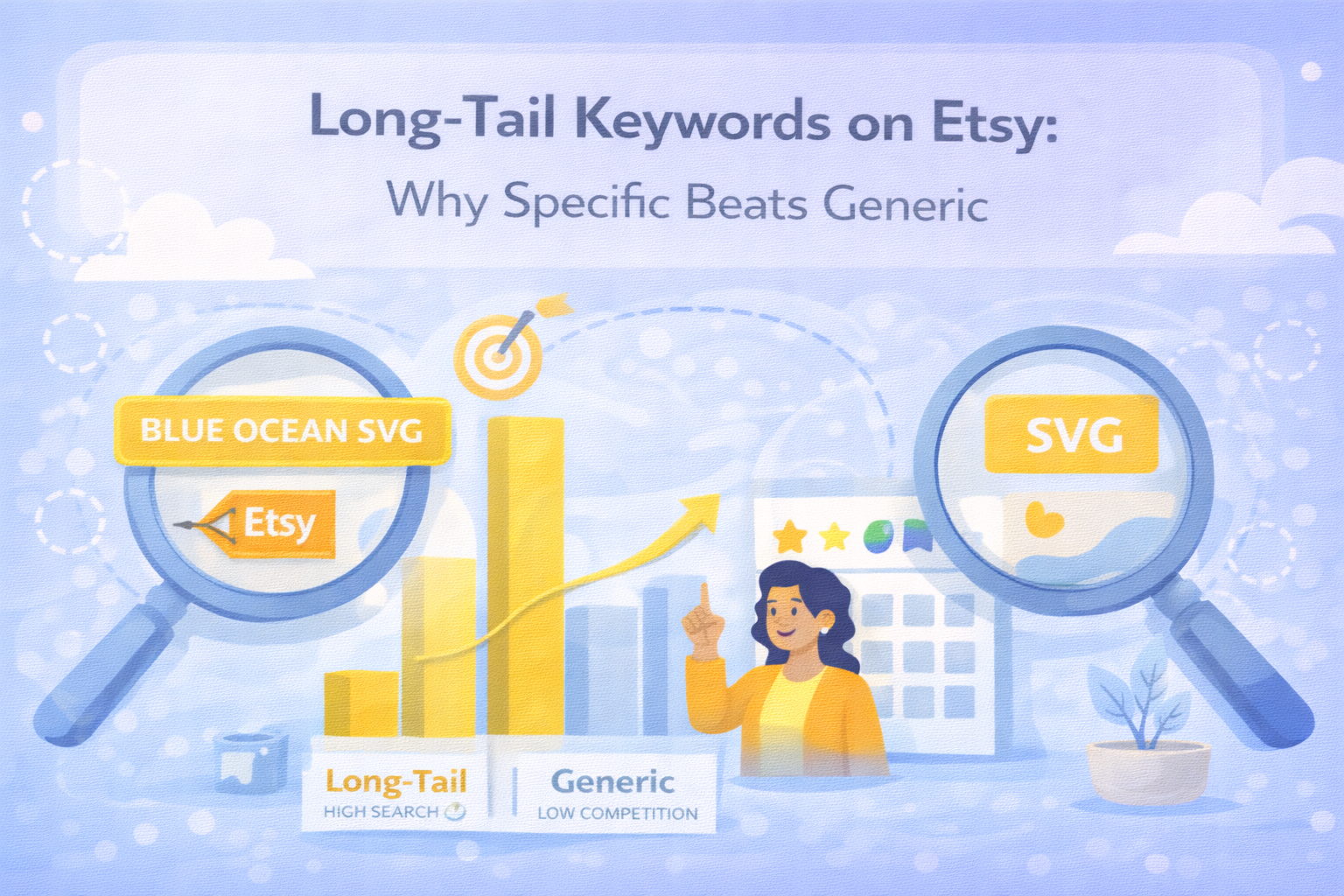
If your listings target broad keywords like "svg cut file" or "digital download", you're competing with hundreds of thousands of results. Long-tail keywords are how smaller shops carve out rankings without going head-to-head with shops that have years of sales history behind them.
What Long-Tail Keywords Actually Are
A short-tail keyword is a broad, high-volume search phrase: svg file, cricut svg, halloween svg. Lots of buyers search these — but lots of sellers target them too.
A long-tail keyword is a longer, more specific phrase: halloween black cat svg for cricut, funny nurse appreciation svg bundle, personalised dog mum tote bag svg. Fewer buyers search these — but the ones who do know exactly what they want, and they're much closer to purchasing.
The name comes from the shape of a search demand curve. A handful of broad terms sit at the "head" with massive search volume. Thousands of specific phrases stretch out in a long "tail" — each with lower volume, but far less competition and higher buyer intent.
Why Long-Tail Searches Convert Better
When someone types svg into Etsy, they're browsing. When someone types retirement teacher apple svg cricut, they're buying.
The more specific a search phrase, the further along the buyer's decision journey they are. They've already decided they want an SVG file. They've already decided it's for a teacher. They've already decided it's for retirement. All they're doing now is finding the right one to purchase.
This is why a listing optimised for a long-tail keyword can outsell a listing ranked for a broad keyword — even if the broad listing gets ten times more views. The long-tail listing attracts buyers, not browsers.
How to Find Long-Tail Keywords Worth Targeting
You don't need paid tools to do this well. Three free methods cover most of what you need:
Etsy autocomplete remains the most reliable source. Type a broad keyword into the Etsy search bar and watch the suggestions. Each one is a real phrase buyers have typed. Keep drilling deeper — type teacher svg, then teacher appreciation svg, then funny teacher svg, and notice how each level reveals more specific sub-phrases.
Bestseller listings are a goldmine. Open a top-ranking listing in your niche and look at its title carefully. The specific phrases it uses — especially the combination of product type, occasion, and tool name — are phrases that have proven to drive sales, not just clicks.
Buyer reviews are underused for keyword research. Read reviews on successful listings in your niche. Buyers often describe exactly how they used the file: "perfect for my Cricut Maker", "used this for my daughter's birthday party banner", "made great iron-on transfers for the team". These are real use cases you can turn into long-tail keyword angles.
The Volume vs Competition Trade-Off
Long-tail keywords get fewer searches — that's the trade-off. A phrase like halloween black cat svg cricut might get searched 200 times a month where halloween svg gets searched 50,000 times.
But if halloween svg has 80,000 competing listings and halloween black cat svg cricut has 400, your chances of ranking on page one are incomparably better for the long-tail phrase. And 200 highly-targeted searches from buyers who know exactly what they want will generate more sales than 50,000 searches from people idly browsing.
The goal isn't maximum traffic. It's the right traffic.
Broad vs Mid-Tail vs Long-Tail: A Practical Example
Here's how the same design idea looks at different levels of keyword specificity:
Broad: dog svg
- High search volume, enormous competition, low buyer intent
Mid-tail: golden retriever svg cut file
- Moderate search volume, manageable competition, reasonable buyer intent
Long-tail: golden retriever mum svg cricut birthday gift
- Lower search volume, very low competition, high buyer intent
For a single listing, you'd target one or two of these in your title and cover the rest across your tags and description. The long-tail phrase belongs in your title — it's the most specific description of what your listing actually is and who it's for.
How Many Long-Tail Keywords to Target Per Listing
Trying to target too many long-tail phrases in one listing dilutes all of them. A realistic and effective approach:
- 1 primary long-tail keyword in your title (front-loaded, as covered in Article 1)
- 1–2 supporting long-tail keywords worked naturally into your description
- 2–3 long-tail tags in your tag set (alongside your broader tags)
That's it. You're not trying to rank for 20 phrases with one listing — you're trying to rank very well for 2–4 specific phrases that real buyers search.
Why 50 Listings Beats 1 Listing With 50 Tags
Here's a perspective shift that changes how most sellers think about growth: each listing can only rank well for a handful of keyword phrases. No matter how many tags you add, one listing has a ceiling.
But 50 listings, each targeting a different long-tail keyword, cover 50 different search phrases. A buyer searching halloween black cat svg cricut finds listing A. A buyer searching spooky cat silhouette svg for shirts finds listing B. A buyer searching witch cat svg bundle dxf finds listing C. These are three different listings targeting three different buyers — and all three sales go to the same shop.
This is the real argument for building a large catalogue. It's not just about having more products — it's about covering more of the long tail and capturing buyers that a smaller shop simply can't reach.
Quick Summary
- Long-tail keywords are longer, more specific search phrases with lower competition and higher buyer intent
- Specific searches convert better because buyers who search specifically are closer to purchasing
- Find long-tail keywords using Etsy autocomplete, bestseller listing titles, and buyer reviews
- Target 1 primary long-tail keyword per listing in the title, supported by 2–3 in tags and description
- Don't try to rank one listing for dozens of phrases — build more listings targeting different long-tail keywords instead
- 50 listings each targeting one long-tail phrase will outperform 1 listing trying to cover everything
SVGenie generates ready-to-list Etsy descriptions, titles, and tags alongside your SVG files — try it free.